Neural DSP, UAD, AmpliTube & more
Mix compatible VST3 amps and effects from your favorite makers in one rig.
Example: Use one plugin’s wah, another’s amp, and your favorite delay.
Coming soon
PLAY. PRACTICE. JAM.
Your plugins, practice routines, and jams in one lightweight rig.
Jam Rig is a VST3 plugin host for guitar, bass, and keys. Mix your favorite plugins, link your practice materials, and jam with backing tracks, a dual looper, and drums—without opening a DAW.
Windows · VST3 · One-time purchase
The desktop app is coming soon. Follow along for release updates.
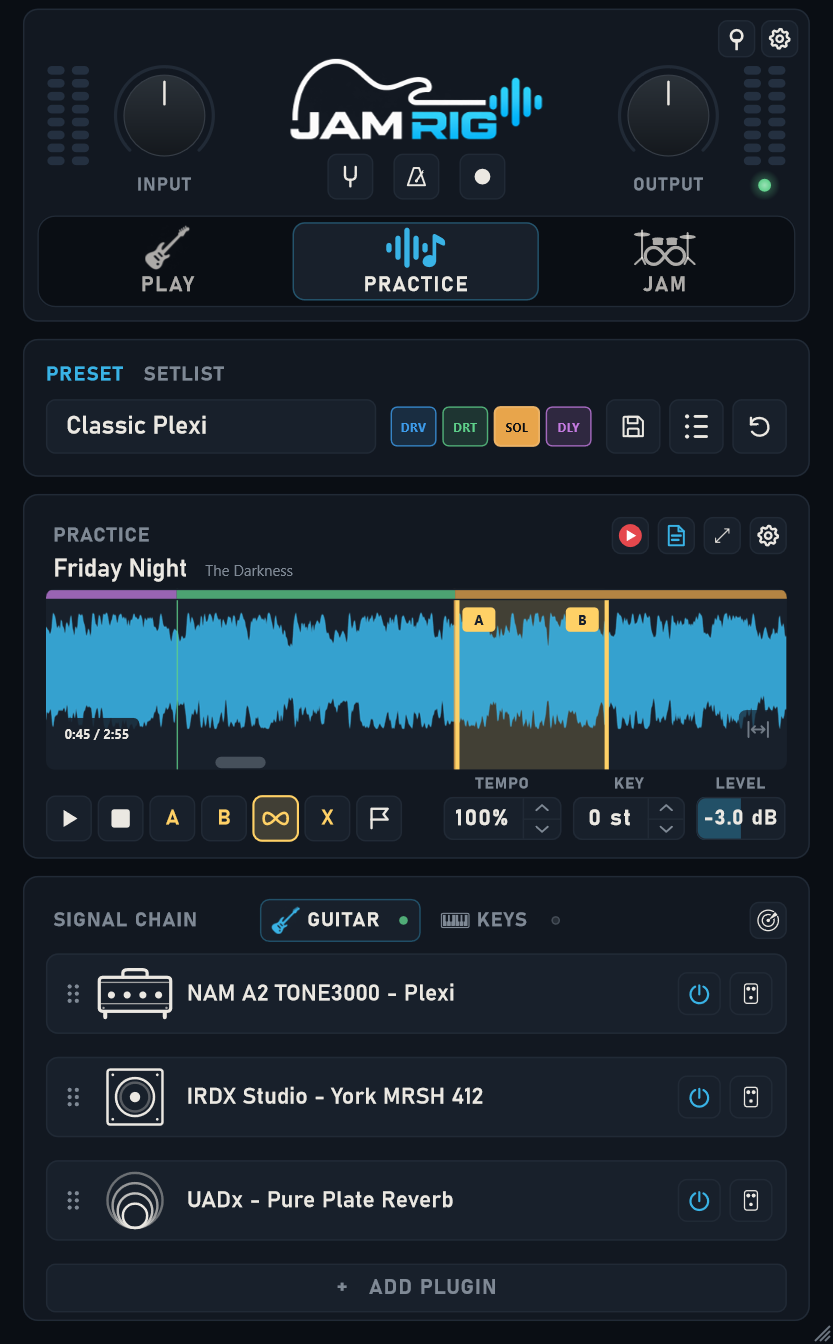
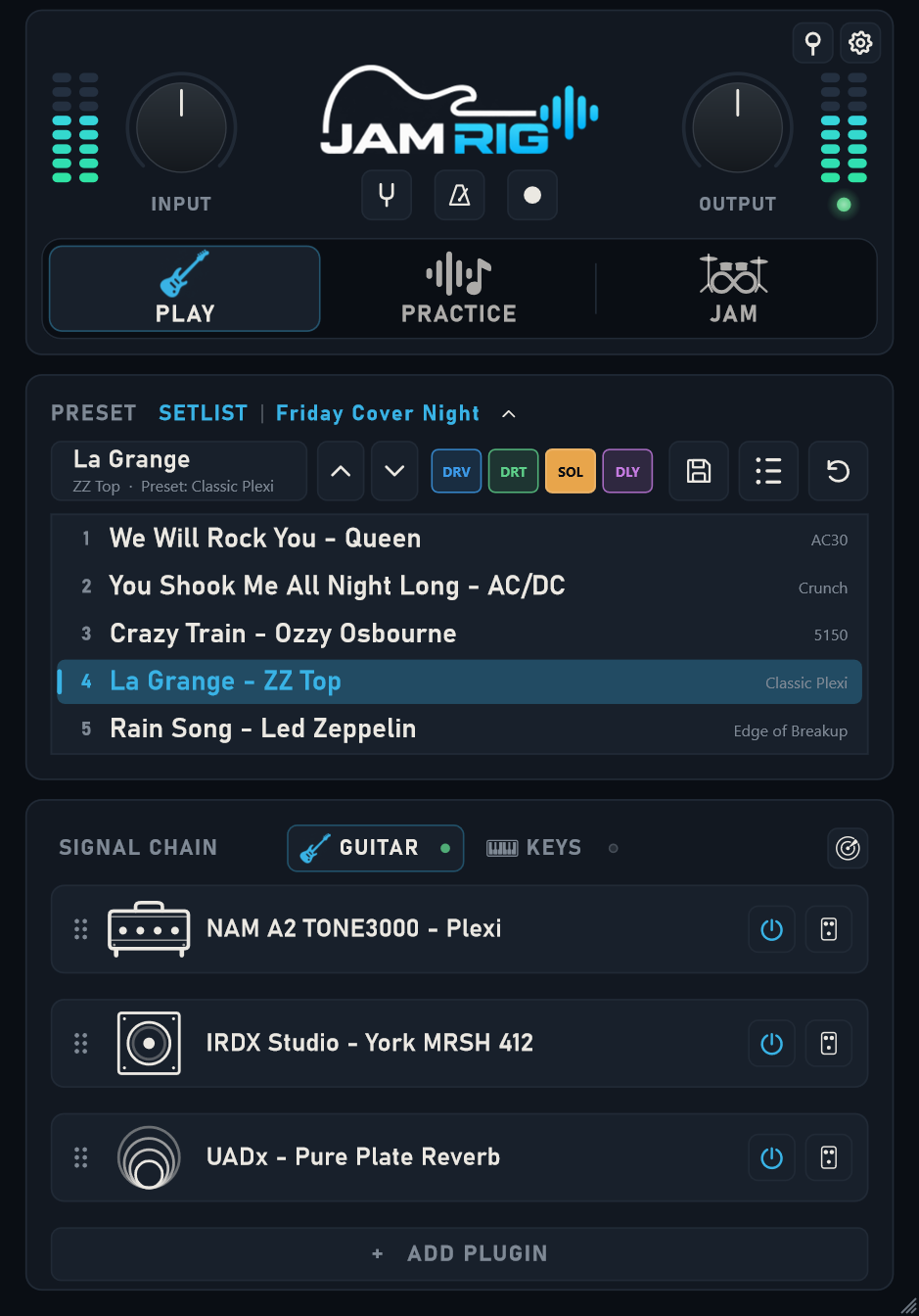
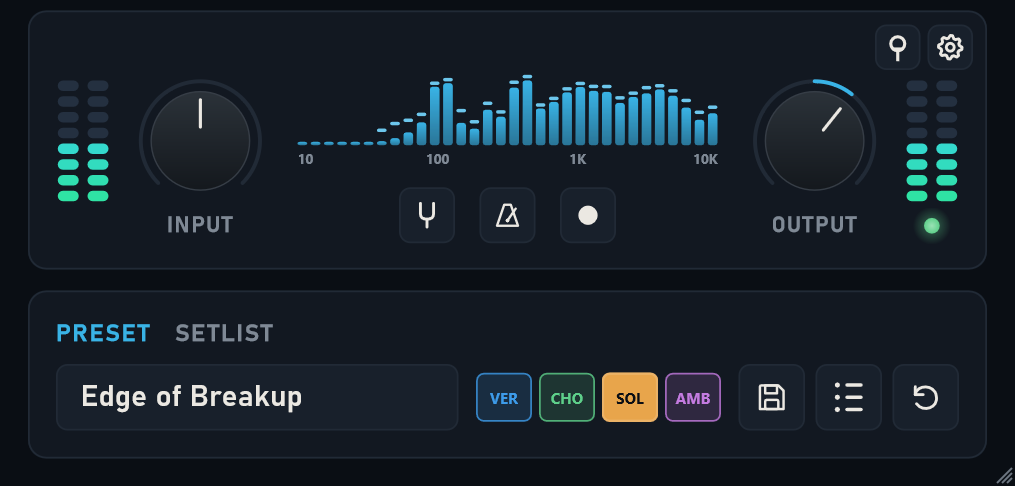
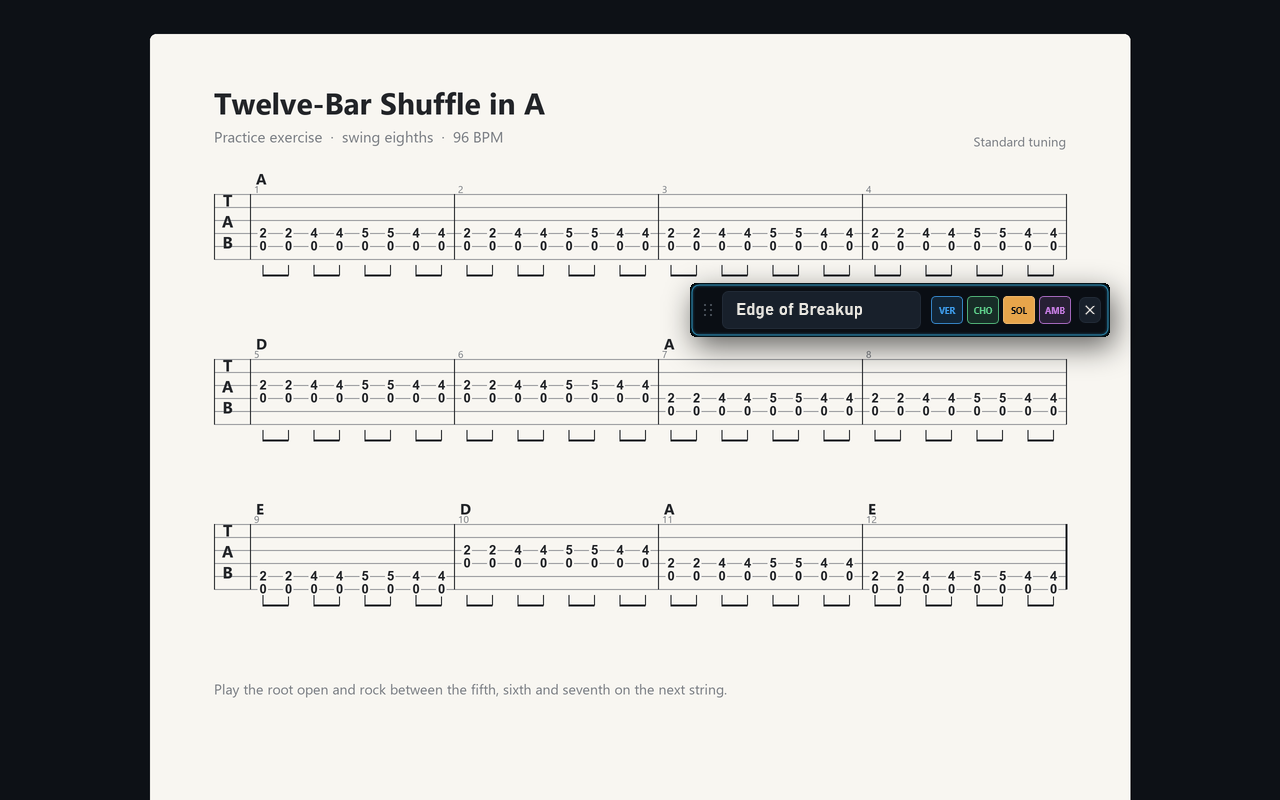
Mix compatible VST3 amps and effects from your favorite makers in one rig.
Example: Use one plugin’s wah, another’s amp, and your favorite delay.
Build a complete practice rig around your Neural Amp Modeler or TONEX tones.
Example: Overdrive → NAM A2 / TONEX plugin → cabinet / IR as needed → reverb.
Practice with compatible Spark, Katana, Helix, Quad Cortex, and other USB audio gear.
Example: Play and record hardware tones or plugin rigs alongside backing tracks and drums.
Use compatible VST3 plugins; NAM A2 needs an A2-capable plugin. USB audio and routing depend on your device and driver.
Explore setup guidesYouTube and tab links open in your browser.
Try the free Web Looper in your browser →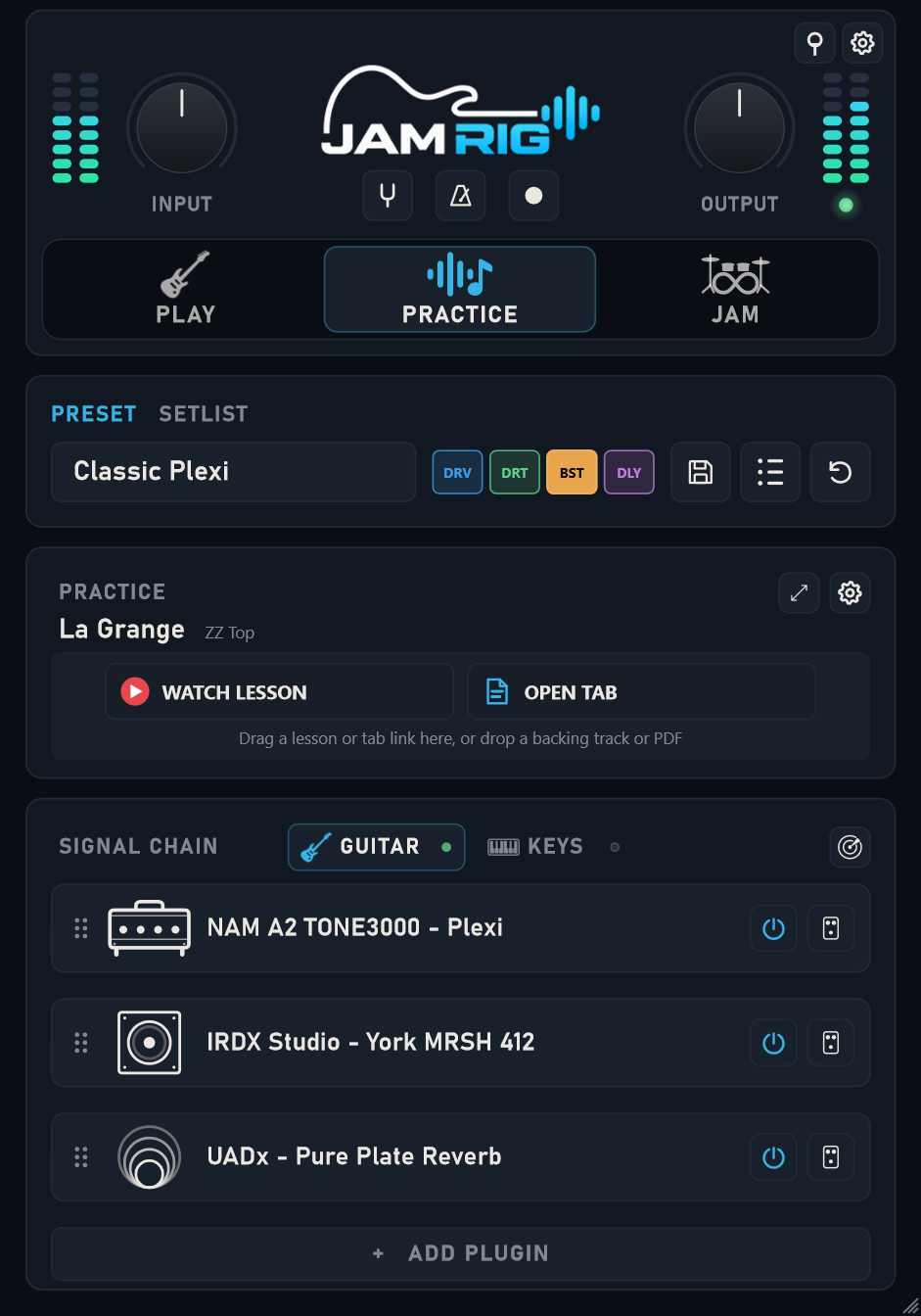
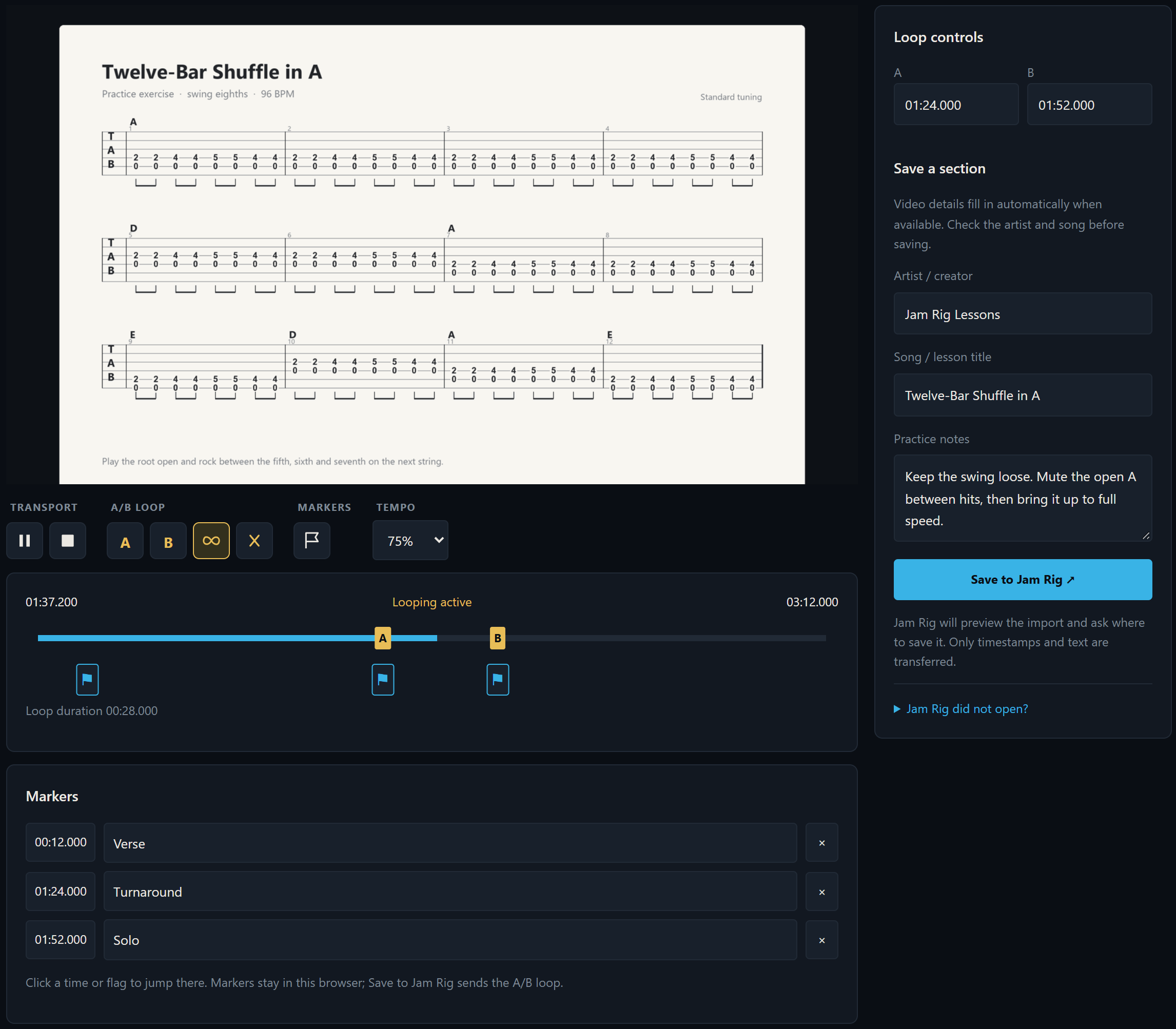
Pick a groove, count in, and record each part of your song over drums.
Create grooves and fills with Jam Beats, our browser-based beat editor. Send them to the app or download a beat file to import. Beta.
Record full tracks in your DAW with the same tones you use to play and practice.
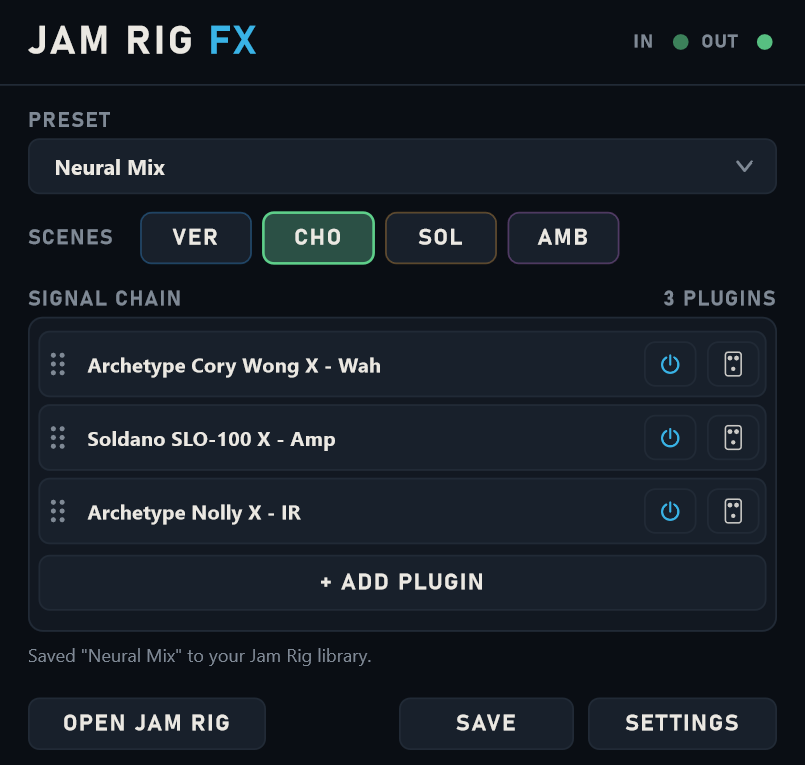
FX runs the guitar effects chain. Hosted plugins must be installed and licensed. DAW testing in progress.
Built-in tools
Each tool opens in a compact view. Expand it for more options when you need them.
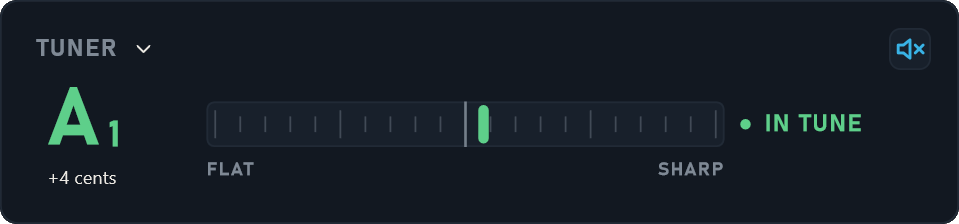
Tune up without leaving your rig.
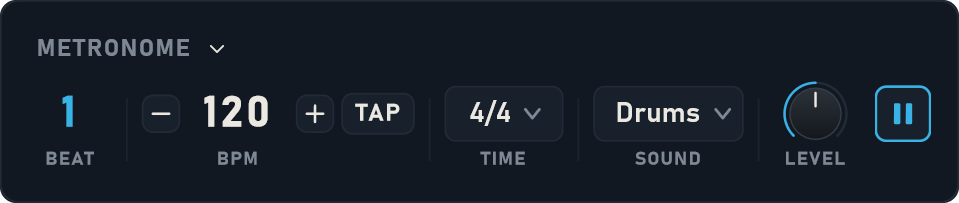
Keep time with tap tempo and a drum sound.
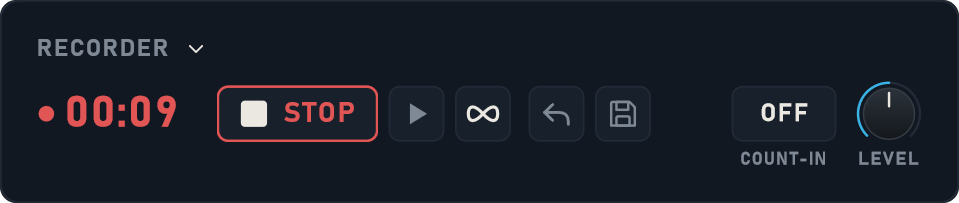
Record a take or catch a riff when inspiration strikes.
Simple ownership
The one-time license will include Jam Rig and Jam Rig FX for Windows, with activation on up to 2 computers.
$14.99Save $10 at launch
Rises to $24.99 when the launch period ends. Past purchases are never affected.
FAQ
The Windows license includes Jam Rig for playing, practicing, and jamming, plus Jam Rig FX, the companion VST3 guitar effect for your DAW. Third-party plugins are sold separately. The installer is not available to download yet. DAW compatibility testing is still in progress.
Jam Rig brings together an instrument rig, song practice, and a drum-backed looper. Use your DAW when you want to record tracks and arrange a production; Jam Rig FX brings your guitar effects rig into that session.
Jam Rig hosts compatible 64-bit VST3 effects and instruments on Windows. Bring your own installed and licensed plugins. Compatibility varies by plugin and setup. Use the Play trial to check the plugins you rely on.
Yes. Play VST3 instruments from a MIDI keyboard. Jam Rig has a dedicated Keys view for it. Guided MIDI setup can assign supported controllers, keyboard transport buttons, and footswitches to scenes, presets, setlist songs, recording, playback, and tap tempo. For plugin knobs, use the hosted plugin’s own MIDI Learn.
A compatible USB audio-capable amp or floorboard can serve as your audio interface. This can include Spark, Katana, Helix, and Quad Cortex setups, depending on the model, driver, and input/output routing. A USB port used only for charging or preset editing is not enough. Test your exact setup during the trial.
A practice song keeps its linked rig, local backing track, loop, tempo, key, and resources. Loop a passage or slow playback without changing pitch. Save YouTube and tab links to open externally, or use a local PDF. Jam Rig does not redistribute third-party lessons or tabs.
Yes. Jam Rig FX recalls your saved guitar effects rig, plugin settings, and named scenes on a DAW track. Your project stores its own copy, and you can save edits back to the Jam Rig library. FX runs the guitar effects chain; Keys instruments, Practice, and Jam stay in the standalone app. Hosted plugins must be installed and licensed.
The 7-day trial gives you Play and Jam, with up to three plugins per chain. Practice unlocks with activation. The trial download is coming soon.
No. The license is a one-time purchase for up to 2 computers.
Jam Rig is for Windows. A Mac version is not available yet, but we are considering one.
PLAY. PRACTICE. JAM.
Check our socials for launch news and app updates.

Jam Rig works with ASIO® audio drivers for low-latency playing. ASIO is a registered trademark of Steinberg Media Technologies GmbH.